
1
Add the file
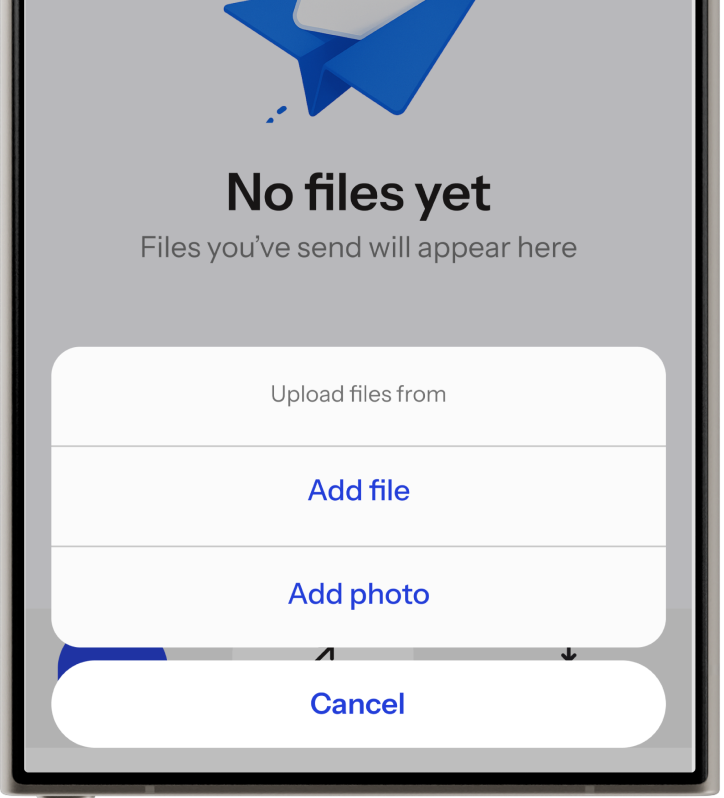
Drag it into 2Click. Any size any type, whole folders too.

 2 Click App
 Clicks
2Click sends files device to device. Nothing gets uploaded, nothing gets stored, nothing gets scanned. Your file leaves your machine and arrives at theirs.
 GET IT ONGoogle Play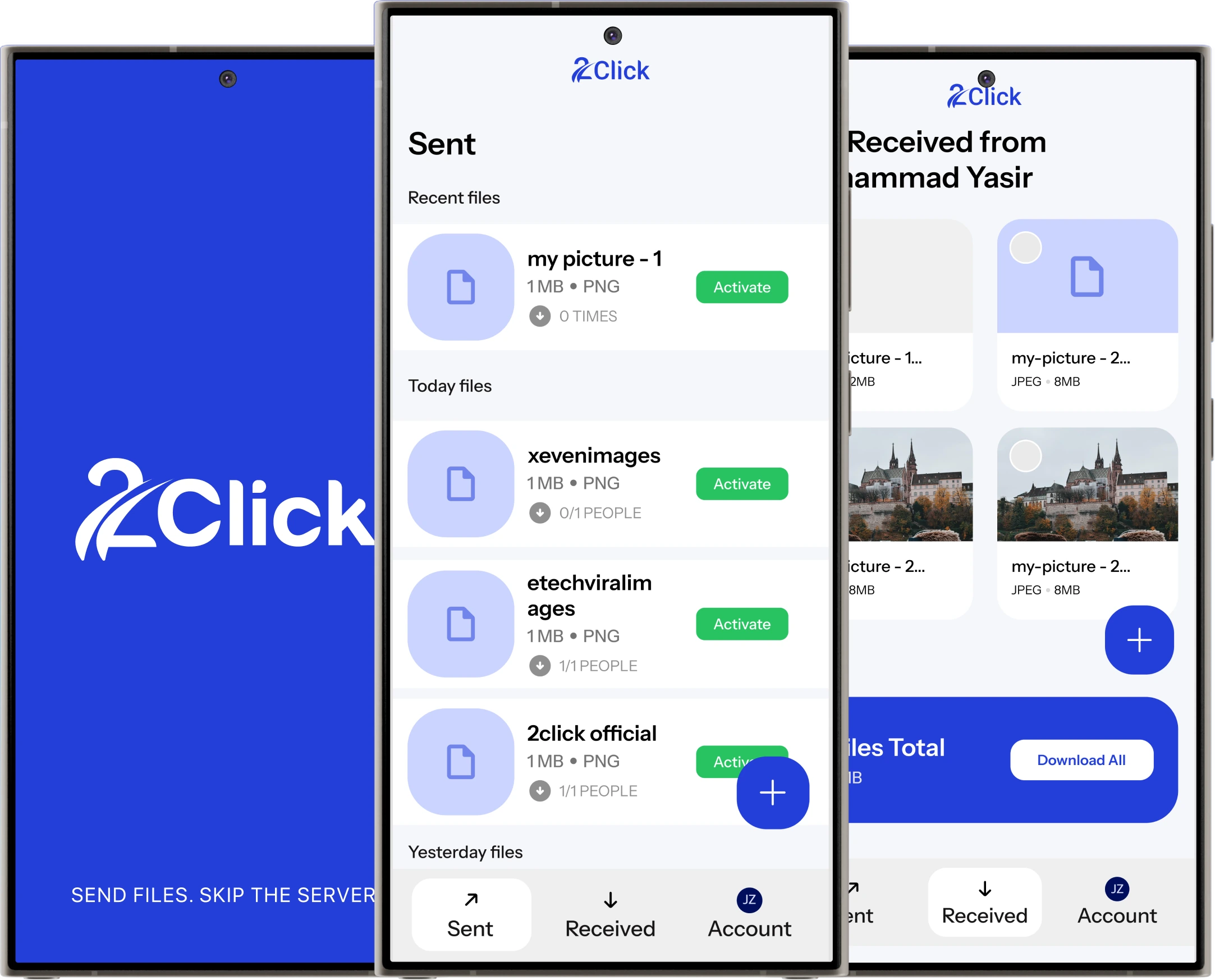
Drag it into 2Click. Any size any type, whole folders too.
Send it however you like, it points at your device, not a server.
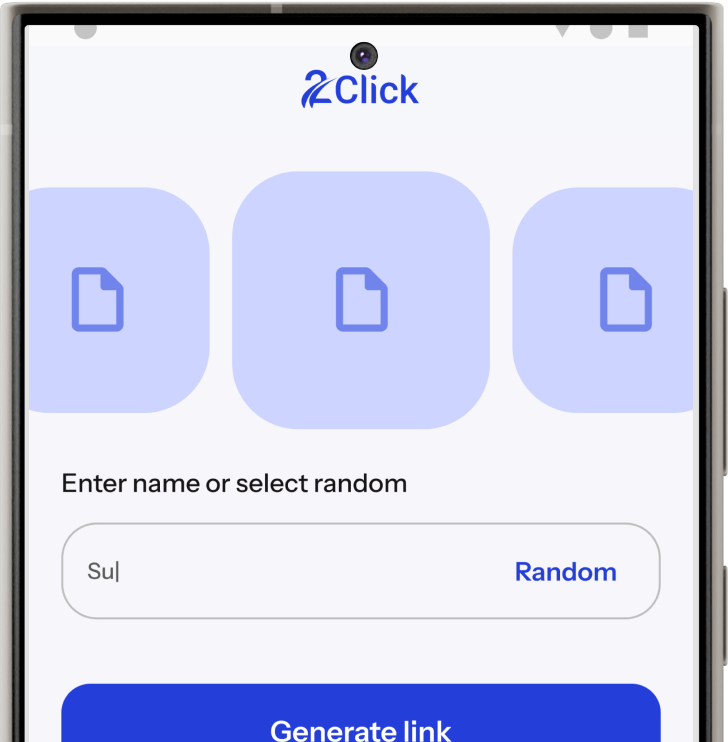
Straight from you to them. No upload step in between.
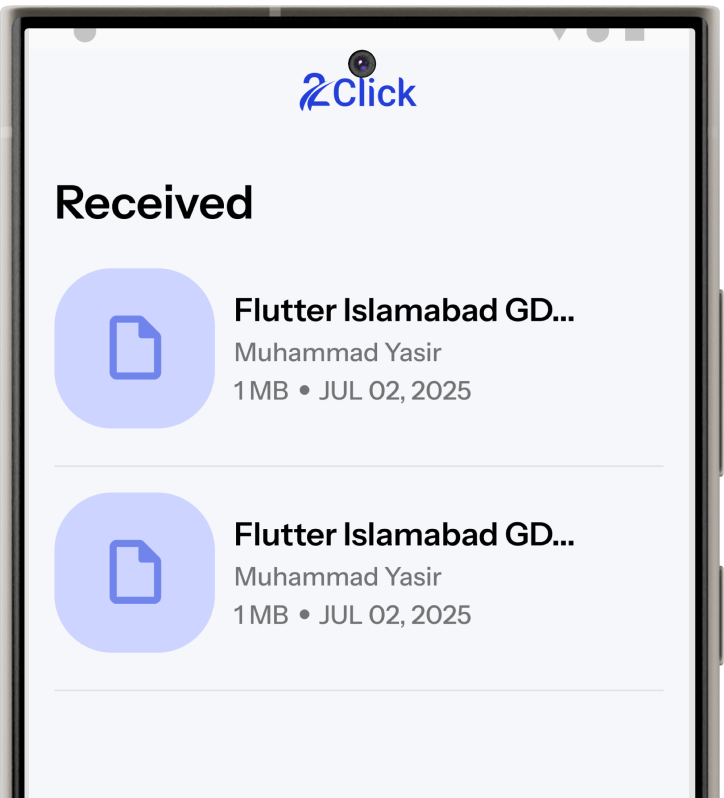
2Click also has the following features:
No compression. Files arrive byte-for-byte.
Structure and all, in a single send.
Only you two can open it.
No limit on type or size, and we never inspect it.
Different Wi-Fi or mobile data, a relay carries it.
Connection drops, the transfer picks up where it stopped.
Set an expiry, add a passcode, revoke access anytime.
40-54 Mbps on ordinary Wi-Fi, both directions.
No. Files arrive byte-for-byte identical to the original: same resolution, same bitrate, same metadata.
No hard limit. Large files and whole folders move directly, as fast as your connection allows.
Nowhere except the other device. Nothing is uploaded, stored, or scanned on a server along the way.
A quick sign-in, yes. It ties your links to you so you can pause or revoke a share whenever you want.
Not yet. 2Click is launching on Android first, with iPhone support on the way, and transfers will work across both once it lands.
It picks up where it left off. If the connection drops, the transfer resumes rather than starting over.
Yes. They open your link in 2Click to receive the files. It is free to install.
Yes. 2Click is free to send and receive.
Clicks2Click is almost here. Drop your email and we'll tell you the moment it goes live.